

Updated: May 17, 2024
Hiring the right people keeps small businesses moving forward. But sifting through dozens, sometimes hundreds, of applications? That is a time sink most founders and small teams simply cannot afford. It is a necessary evil, sure, but what if there was a better way to find top talent without sacrificing hours you do not have?
That is where AI screening tools come into play. These tools are not about replacing human judgment; they are about augmenting it. Think of them as your tireless assistant, capable of reviewing resumes, analyzing cover letters, and even conducting initial assessments to surface the most promising candidates, leaving you more time for meaningful interviews.
How AI Screening Tools Work for Small Business
At its core, an AI screening tool uses algorithms to match candidate profiles against your job criteria. Instead of manually searching for keywords or trying to read between the lines, the AI can quickly identify qualifications, experience, and even soft skills mentioned in application materials. It can flag discrepancies, highlight key achievements, and provide a ranked list of applicants based on your predefined metrics.
"AI screening lets small businesses punch above their weight in talent acquisition, narrowing the field to engaged, qualified candidates."
The adoption of AI in HR is rapidly growing. According to a 2024 report by Statista, the global artificial intelligence in human resources market is projected to grow from 1.62 billion U.S. dollars in 2023 to 7.41 billion U.S. dollars by 2028, with a compound annual growth rate (CAGR) of 35.7%. This significant growth is driven by the need for increased efficiency, reduced bias, and improved decision-making in hiring processes.
For example, if you are looking for a marketing manager with specific experience in "content strategy" and "email marketing automation", an AI tool can scan applications for those exact phrases, as well as related terms and contexts, much faster and more consistently than a human can. This means fewer missed opportunities and less time spent on unsuitable applicants.
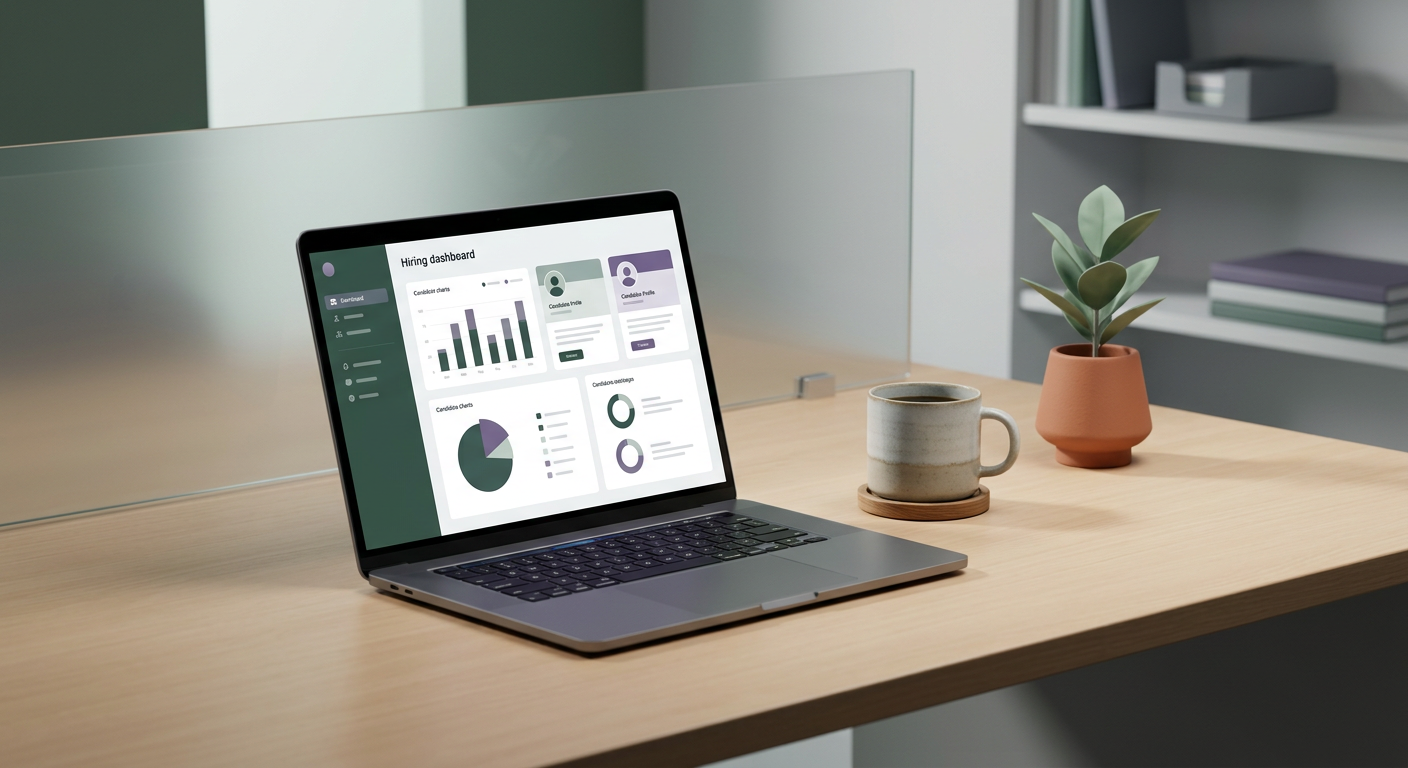
Key Steps to Implement AI Screening
Ready to give it a try? Here is a simple step by step guide to get you started with AI screening tools, even if your budget is tight.
Define Your Ideal Candidate Profile Clearly: Before you even look at an AI tool, get crystal clear on what you need. What are the essential skills, experience levels, and qualifications? What are the "nice to haves"? The more specific you are, the better the AI can perform.
Choose the Right AI Tool: There are several options ranging from standalone AI screening platforms to features within larger applicant tracking systems (ATS). When evaluating tools, consult resources from the U.S. Department of Labor for guidance on fair hiring practices and the appropriate use of technology in recruitment. Look for options that fit your budget and offer a free trial.
Train the AI (or Configure Your Criteria): Once you have a tool, you will need to "train" it by inputting your job description and defining your screening criteria. Some tools allow you to upload example resumes of successful past hires or even provide keywords and phrases to prioritize. The U.S. Equal Employment Opportunity Commission (EEOC) offers guidance on ensuring AI tools are used in a way that avoids discrimination, especially concerning accessibility and bias.
- Prompt Example for Defining Criteria (use in a tool's free text field or to guide your setup): "For a