
Updated: June 18, 2024
Landing a great product demo can make or break a sale. You have your product features down, your talking points polished. But how many times have you felt like you were delivering the same pitch, slightly modified, to every single prospect? What if you could tailor each demo so precisely that it felt custom built for that one client, addressing their exact pain points and showcasing the features most relevant to them? That is where AI shines, taking your product demonstrations from generic showcases to hyper personalised experiences.
AI is not about replacing the human element in sales; it is about augmenting it. By analysing prospect data, AI tools can help you craft narratives, highlight features, and even suggest visual aids that resonate deeply with individual client needs. This means less guesswork, more impact, and ultimately, better closing rates. Let us dive into how you can start leveraging AI to make every product demo feel like it was made just for them.
Personalised Product Demos with AI
Think about the last time you prepared for a demo. You probably scoured LinkedIn, maybe glanced at their company website. That is a good start. But AI can dig deeper, faster, and more comprehensively. It can process vast amounts of data from various sources: CRM notes, public company reports, news articles, social media activity, and even past interactions your company has had with them. This deep dive provides insights into their industry challenges, current tech stack, strategic goals, and individual roles within the decision making process.
For example, if AI identifies that a prospect in the manufacturing sector is struggling with supply chain bottlenecks, your demo can immediately pivot to how your product improves inventory management or streamlines logistics. If another prospect in finance is worried about compliance, you highlight the security and audit trail features.
"Generic product demos are a relic of the past; AI empowers us to speak directly to each client's unique challenges, transforming interest into commitment."
Step by Step: Customising Your Demo Narrative
Here is how to get started with using AI to customise your product demo narratives:
Data Aggregation: Use an AI-powered CRM or a dedicated AI research tool (like those offered by market intelligence platforms or internal tools integrated via automation platforms such as Zapier or Make) to gather all available prospect information. Look for keywords related to their industry, challenges, and goals.
Pain Point Identification: Ask your AI assistant (e.g., ChatGPT, Claude, Gemini) to summarise the prospect's top 3 to 5 pain points based on the aggregated data. Prompt example:
"Based on this company profile and recent news [paste data here], what are the 3-5 most critical business challenges they are likely facing that our [product type] could address? Provide a brief explanation for each."Feature Mapping: With identified pain points, use AI to map your product's features directly to these challenges. This creates a compelling narrative arc for your demo.
"Given these pain points: [list pain points], and our product's features: [list features], generate a demo narrative outline that directly addresses each pain point with a relevant product feature. Suggest specific use cases for each feature."Storytelling Elements: Have AI generate anecdotes or case study snippets that align with their industry or similar company size. This makes the demo relatable and memorable.
"Generate a short, hypothetical success story for a company in the [prospect's industry] sector, addressing [pain point 1] and [pain point 2], resolved by using our [product name]."
This structured approach ensures your demo is always relevant, hitting those key areas that matter most to your prospect.
AI for Visuals and Interactive Elements
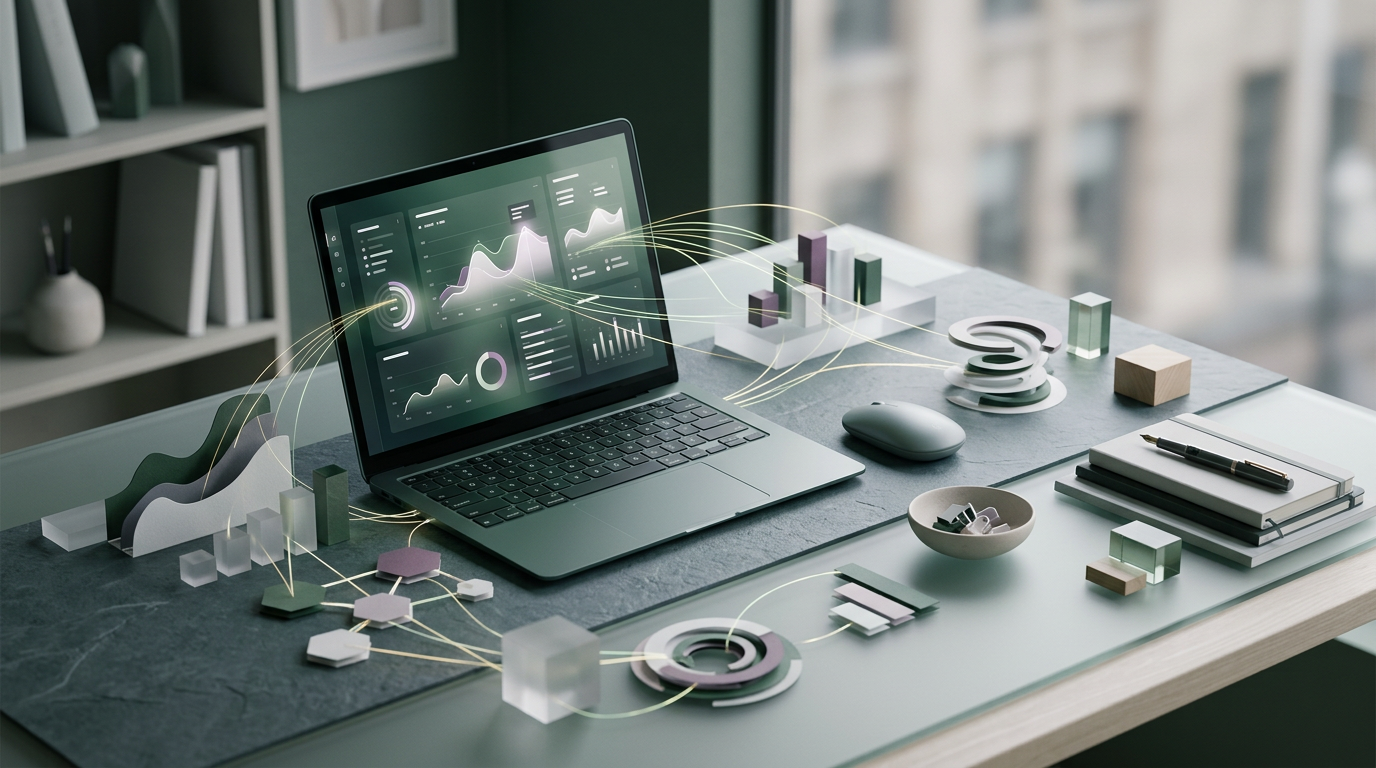
Beyond the spoken word, visuals play a massive role in a captivating demo. AI can help here too. Imagine walking into a demo where the slides, the interactive dashboard examples, or even the template reports shown, all feature their company logo or data patterns that mimic their own. This level of customisation demonstrates thorough preparation and a deep understanding of their business.
Tools like Notion AI or other AI-powered design assistants can assist in brainstorming visual concepts, while AI image generators (though you will need to manually apply branding) can create abstract backdrops or data visualisations tailored to industry themes. For instance, if you are presenting to a logistics company, your demo environment might feature a mock-up dashboard showing their specific routes or inventory numbers.
Practical Applications for Visuals
- Dynamic Dashboards: If your product involves data visualisation, use AI to generate mock data sets that reflect the prospect's industry KPIs or potential challenges. This makes the "what if" scenarios much more impactful.
- Presentation Customisation: Use AI to suggest relevant stock photos or abstract graphics that align with their brand colours or industry visuals, making your slides feel less generic.
- Interactive Simulations: For complex software, AI could potentially power simplified, personalised simulations that allow the prospect to interact with a version of the product tailored to their specific use case during the demo.
AI-Powered Follow-Up Sequences
The demo does not end when the video call disconnects or you leave the meeting room. The follow-up is just as crucial. AI can help you craft hyper-personalised follow-up emails and content that keeps the momentum going.
Instead of a generic "Thanks for your time," an AI-assisted follow-up could summarise the specific pain points discussed, reiterate the key features showcased to address those points, and suggest next steps with relevant resources. For example, if during the demo a prospect mentioned needing better reporting, your AI could recommend a blog post or white paper specifically on your product's reporting capabilities, dynamically inserted into the follow-up email.
Crafting Follow-Up with AI
Meeting Recap: Use an AI transcription service (like those integrated with popular video conferencing platforms) to capture key discussion points during the demo. Then, use ChatGPT or Gemini to summarise these points, focusing on stated needs and questions.
Personalised Content Suggestions: Feed the summary into your AI assistant. Ask it to suggest specific content from your library (e.g., case studies, white papers, specific product feature pages) that directly addresses the prospect's unique concerns.
Dynamic Email Generation: Use a prompt like this to draft your follow-up email:
"Draft a concise follow-up email to [Prospect Name] at [Company Name] after our product demo. Remind them of their key challenges: [list 2-3 challenges discussed]. Reiterate how our product, specifically [feature 1] and [feature 2], directly solves these. Include a link to [suggested resource] for more information on [topic discussed]. End with a clear call to action for the next meeting."
This level of detail in your follow-up reinforces your understanding of their needs and keeps your solution top of mind. By weaving AI into every stage, from pre-demo research to post-demo nurturing, you are not just selling a product; you are offering a bespoke solution.
Frequently asked questions
What AI tools are best for pre-demo research?
Tools like market intelligence platforms (e.g., Deloitte Insights, Gartner Research) for broad market and company insights, or AI-enabled CRM systems (e.g., HubSpot with AI integrations) that aggregate internal data, are excellent for gathering intelligence before a personalised product demo. For general industry and company news, resources like the U.S. Small Business Administration (SBA) can offer valuable context for specific business challenges.
Can AI generate entire product demos automatically?
While AI can generate scripts, visuals, and data points, it cannot fully replace the human element of a live product demo. Its strength lies in assisting sales professionals to make their demos more personalised and impactful, not in automating the entire interaction.
How do I ensure AI suggestions are accurate for my specific product?
Always review AI-generated content and suggestions against your product's current features and your company's messaging guidelines. The AI is a powerful assistant, but human oversight is crucial to maintain accuracy and brand consistency.